


After a fixture change, the first part can be in the right place and the distance reading can still be wrong for the new setup. The sensor may be looking at a new clamp, a tilted plate or the far wall through a hole. On a laser marking or engraving station, a repeatable distance reference can help confirm that a fixture is in its expected position before the normal production cycle starts.
Give each fixture one clear target
Draw a line on the setup sketch from the sensor to the surface it should see. Locate that surface on a repeatable part of the fixture and give it enough area that normal installation variation cannot put the beam on an edge. On a station with interchangeable nests, a fixed target plate on each nest can be easier to document than a measurement from the changing workpiece itself.
Check the open and closed clamp positions against the same line of sight. A clamp crossing the beam can give a valid distance to the wrong surface. A photograph taken from roughly the beam direction can be more useful in the changeover instructions than a picture of the entire station. Mark the target clearly so that the next operator can distinguish it from a nearby fastener or stop.
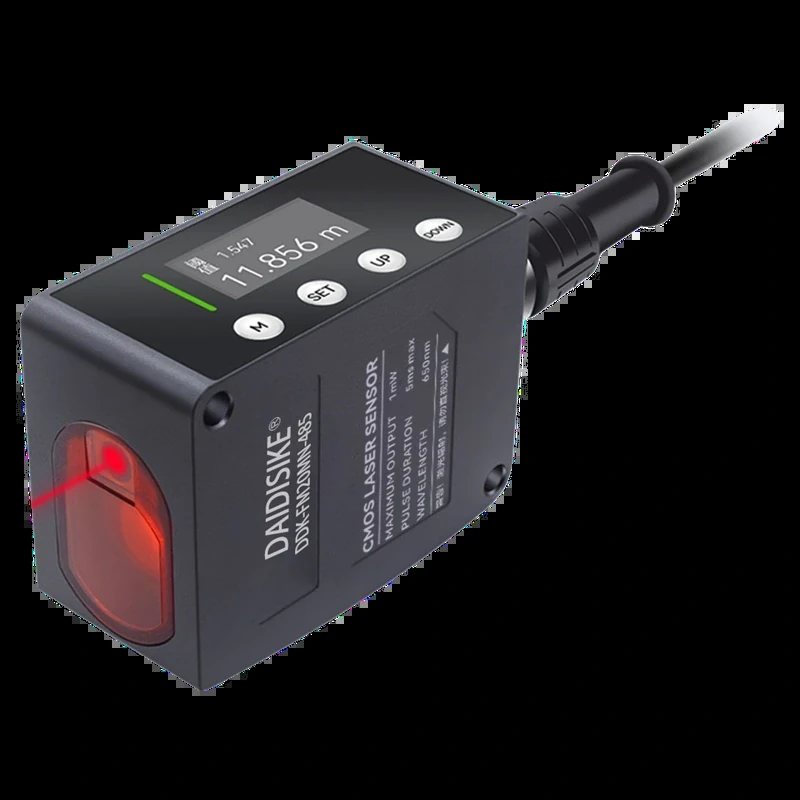
DAIDISIKE DDK-F laser distance sensor with display and cabled connection
Measure the extremes before choosing a model
Record the closest and farthest expected targets with both fixtures installed as intended. The DDK-F laser distance sensor comes in several distance ranges, so the mounting position and actual envelope matter more than the longest figure in the catalogue. It measures along one beam and can monitor a reference point. It cannot verify every seating face or the position of a marking head across an entire part.
Use the DDK-F English datasheet to review the physical drawing and available electrical configurations for the chosen model. If the controller will read a serial value, confirm the protocol for that ordered version. An RS485 interface describes the electrical connection. The controller still needs the correct way to request and interpret a reading.
Leave a changeover record that can be checked
A useful setup entry identifies the fixture and recipe, the sensor mounting datum, a photo of the reference surface and the acceptable reading window established for that fixture. Include what a valid empty-station reading should look like, or how the controller handles an unavailable reading if the target should disappear entirely. The empty fixture and wrong fixture are useful checks because both can expose a false confirmation.
Take a baseline after the fixture is seated, then make another reading after a normal removal and refit. If the expected reading cannot be reproduced, inspect the locating features and beam path before changing the recipe threshold. Keep this process check separate from any required safety function of the machine.
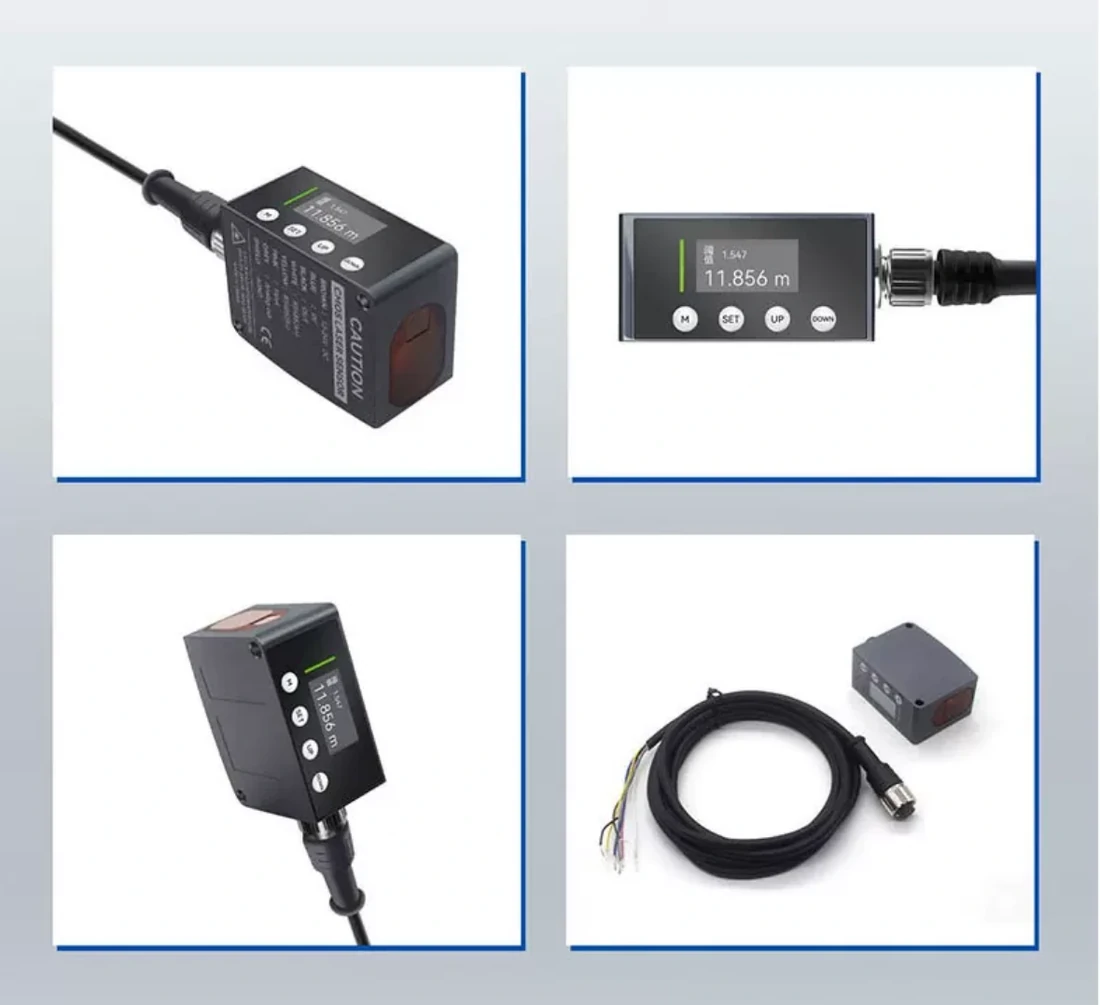
DDK-F sensor housing display and connection views
